
YouTube zu Karussell: So nutzt du jede Quelle für Social Media Content
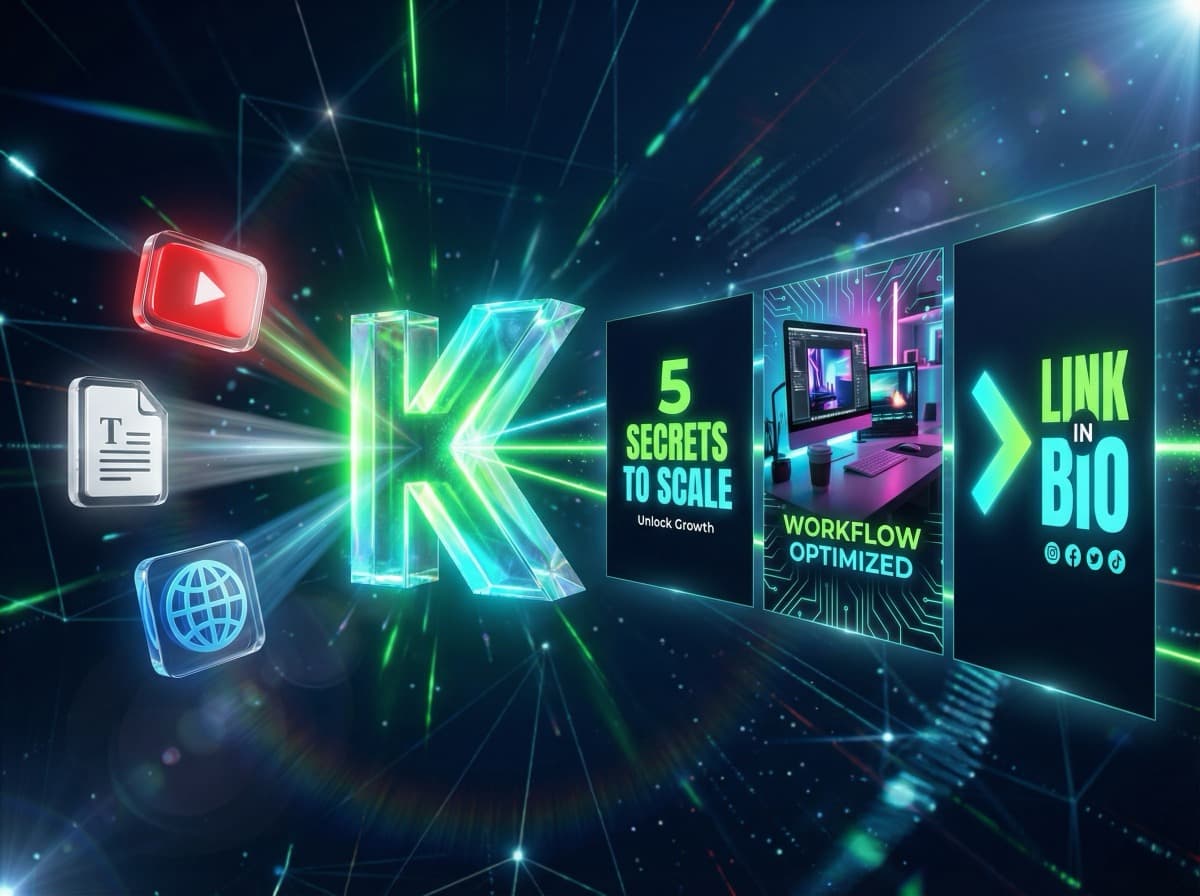
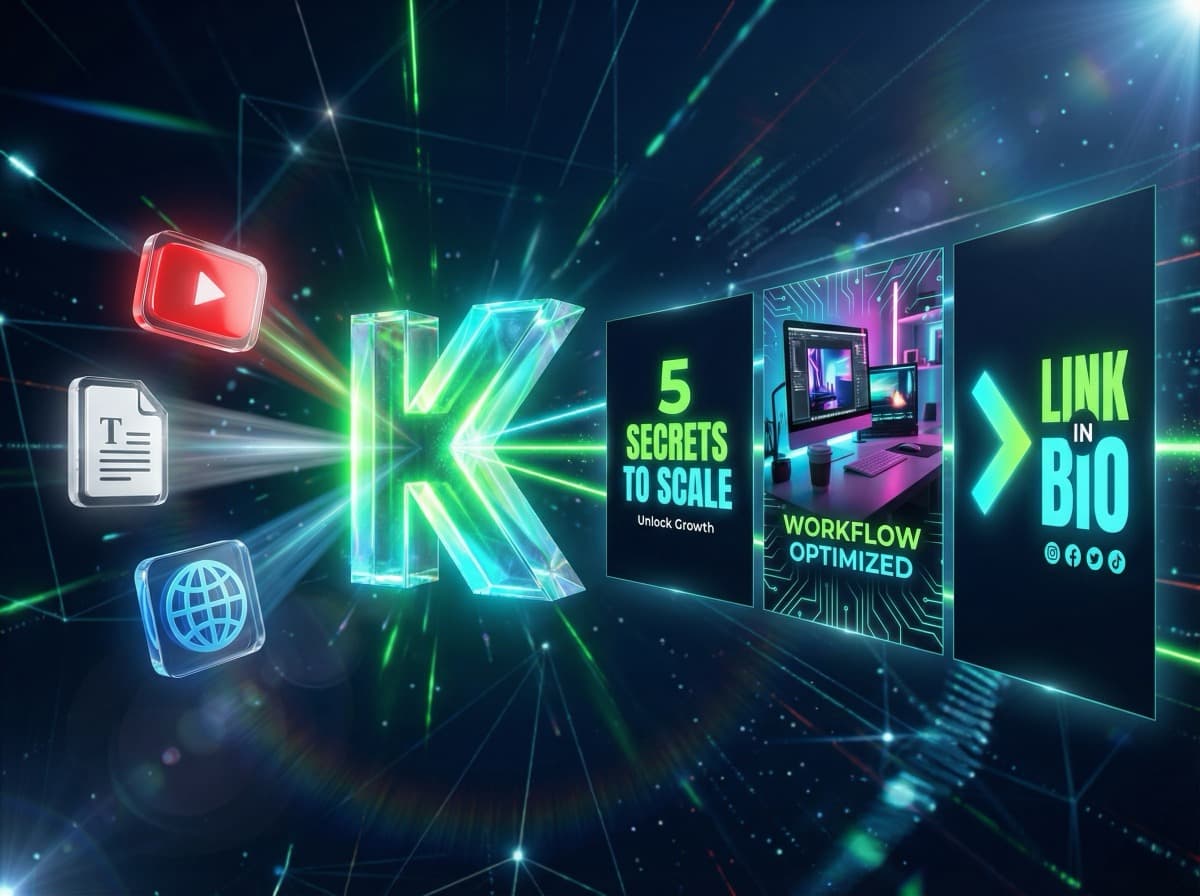
Du hast ein geniales YouTube-Video gesehen — vollgepackt mit Insights, die dein Publikum lieben würde. Aber ein 20-Minuten-Video in einen Instagram-Post zu verwandeln? Das klingt nach Stunden Arbeit. Video schauen, Notizen machen, Kernaussagen extrahieren, Texte schreiben, Bilder suchen...
Was wäre, wenn du einfach den Link kopierst und 60 Sekunden später ein fertiges Karussell hast?
Das Prinzip: Content-Recycling auf Steroiden
Die besten Content Creator erstellen nicht ständig neuen Content — sie recyceln bestehenden Content in neue Formate. Ein einziges YouTube-Video kann zu 5 Instagram-Posts, 3 LinkedIn-Artikeln und 10 Story-Slides werden.
Das Problem war bisher: Dieses Recycling ist manuell extrem zeitaufwändig. Du musst den Content konsumieren, die Essenz herausfiltern und alles neu aufbereiten.
Welche Quellen KlemensAI verarbeiten kann
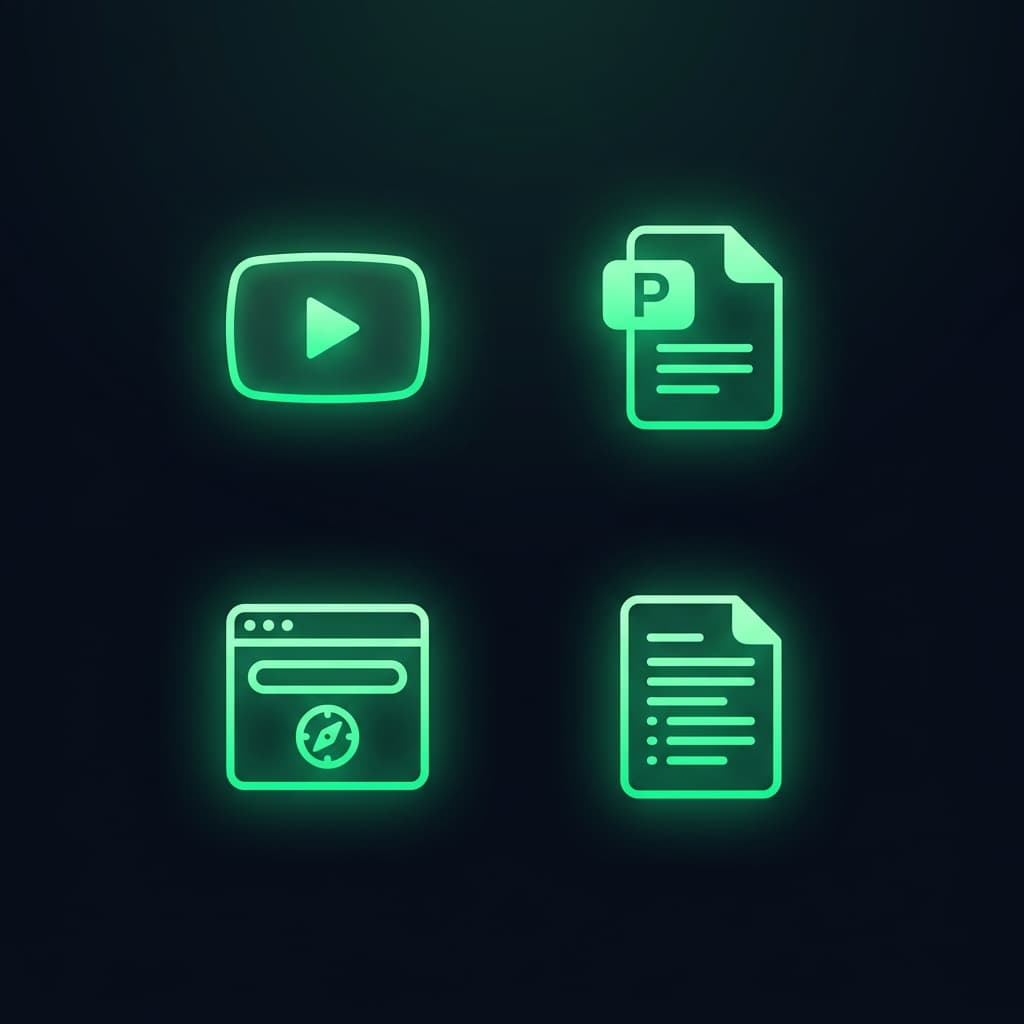
KlemensAI ist nicht auf eine Quelle beschränkt. Du kannst praktisch jeden Content als Input verwenden:
YouTube-Videos
Kopiere einfach die URL. Die KI transkribiert das Video, analysiert den Inhalt und extrahiert die wichtigsten 5-15 Kernaussagen für dein Karussell.
PDFs und Dokumente
Lade ein PDF hoch — egal ob Whitepaper, E-Book, Präsentation oder Bericht. Die KI liest alles und destilliert die Essenz in visuell ansprechende Slides.
Webseiten und Blog-Artikel
Füge eine URL ein und die KI verarbeitet den Artikel-Content. Perfekt, um Branchen-News oder eigene Blog-Posts in Social-Media-Content zu verwandeln.
Freier Text
Schreibe einfach ein Thema oder Stichpunkte. Die KI expandiert deine Ideen zu einem vollständigen Karussell mit durchdachter Struktur.
So funktioniert der Workflow
Schritt 1: Öffne KlemensAI und wähle deine Quelle (YouTube, PDF, URL oder Text)
Schritt 2: Die KI analysiert den Content und generiert Slides mit Text und Bildern

Schritt 3: Exportiere als Bilder, PDF oder sende direkt an Telegram

Praxis-Beispiel: Von YouTube zu Instagram in 90 Sekunden
Stell dir vor, du bist Business-Coach und hast ein 15-Minuten-Video über Zeitmanagement gesehen. So wird daraus ein Karussell:
1. Du kopierst den YouTube-Link in KlemensAI
2. Die KI transkribiert und analysiert das Video
3. Sie extrahiert 8 Kernaussagen und formuliert prägnante Slide-Texte
4. Für jede Slide wird ein passendes Bild generiert — in deinem Branding, mit deinem Gesicht
5. Du exportierst und postest
Zeitaufwand: Unter 2 Minuten. Manuell hätte das mindestens eine Stunde gedauert.
Tipp: Plane eine Content-Recycling-Session
Blocke dir eine Stunde pro Woche. Sammle die besten YouTube-Videos, Artikel und Dokumente, die du in der Woche gefunden hast. Dann verwandle alles auf einmal in Karussells. So hast du Content für die ganze Woche — in 60 Minuten statt 20 Stunden.
Fazit: Jede Quelle ist Gold
Du musst nicht ständig das Rad neu erfinden. Die besten Inhalte existieren bereits — als Videos, Artikel oder Dokumente. Mit KI machst du daraus in Sekunden professionelle Social-Media-Posts. Content-Recycling war noch nie so einfach.
Weiterlesen
• Instagram Karussell erstellen mit KI — So geht's in 60 Sekunden
• Content mit KI automatisieren — Der komplette Guide
• Personal Branding mit KI: Warum Stock-Fotos dich austauschbar machen
Bereit, deinen ersten KI-Karussell zu erstellen?
Starte jetzt kostenlos und erstelle professionelle Social-Media-Posts in unter 2 Minuten.
Jetzt kostenlos starten