
Video Studio: In 5 Minuten zu deinem ersten KI-Video — ohne Drehequipment
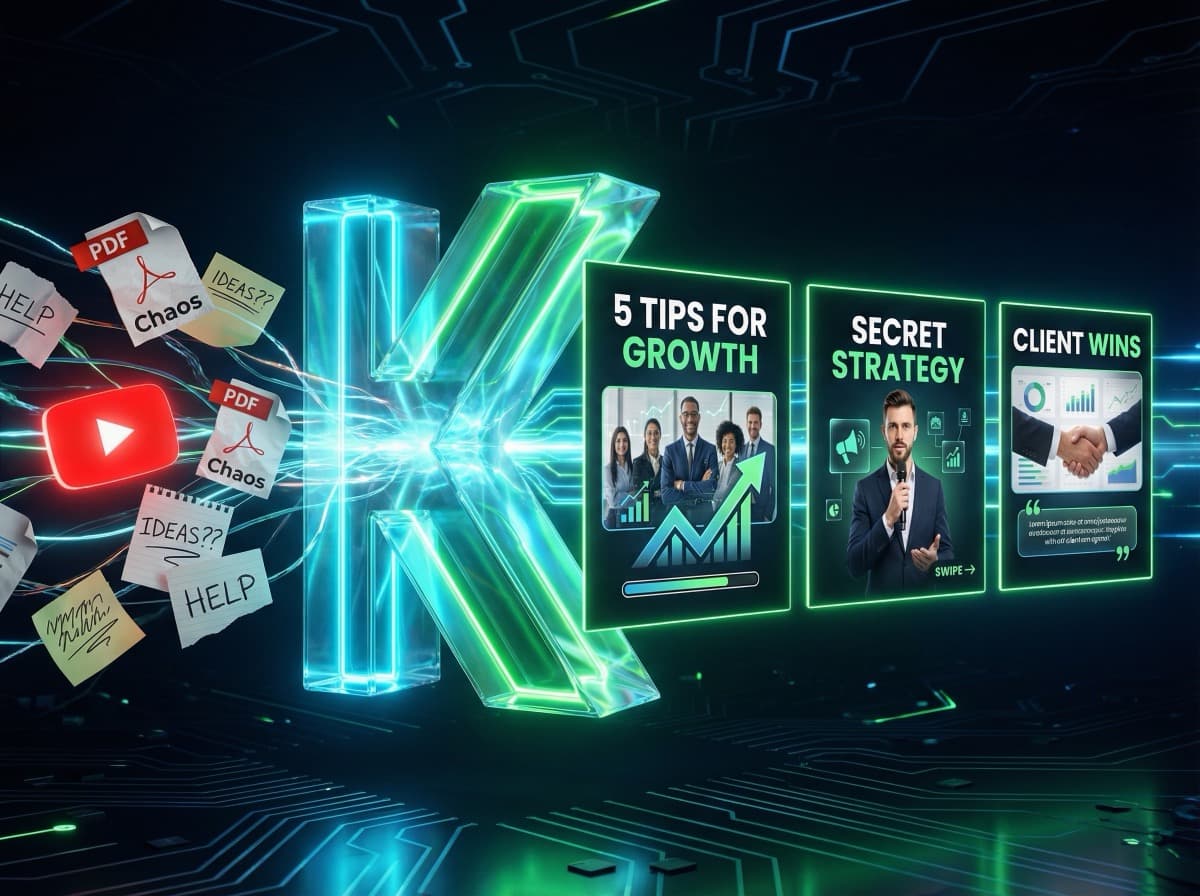
Du willst regelmäßig Videos posten — aber dir fehlt Equipment, Zeit und vor allem die Lust, dich vor die Kamera zu stellen? Das KlemensAI Video Studio nimmt dir genau diesen Schritt ab.
In 5 Minuten zu einem fertigen, professionellen Reel mit deinem Gesicht, deiner Stimme und deinem Stil. Ohne Drehequipment. Ohne Schnitt. Ohne Videograf.
In dieser Anleitung zeige ich dir Schritt für Schritt, wie das funktioniert.
Was ist das Video Studio?
Das Video Studio ist ein 5-stufiges KI-Pipeline:
1. KI-Drehbuch — Du gibst ein Thema ein, die KI schreibt das Skript
2. Keyframes — Aus dem Drehbuch werden Schlüsselbilder mit deinem Gesicht generiert
3. Animation — Die Keyframes werden zu fließendem Video animiert
4. Voiceover — Eine KI-Stimme spricht dein Skript ein (50+ Stimmen, 10 Sprachen)
5. Untertitel — Automatisch generiert, in 3 Stilen (Premium, Standard, MrBeast)
Das Ergebnis ist ein fertiges Reel im Format 9:16, bereit für Instagram, TikTok oder LinkedIn.
Schritt 1: Charakter erstellen (PFLICHT)
Bevor du dein erstes Video machst, brauchst du einen Charakter. Das ist deine digitale Persona — basierend auf einem Selfie von dir.
Gehe in deinem Dashboard auf Mein Charakter und lade ein klares Frontalfoto hoch. Die KI extrahiert dein Gesicht und legt eine Charakter-Bibliothek an mit verschiedenen Outfits, Settings und Posen.
> Tipp: Je hochwertiger das Selfie (gutes Licht, neutraler Hintergrund), desto besser die späteren Keyframes. Einmal eingerichtet, kannst du diesen Charakter in unbegrenzt vielen Videos wiederverwenden.
Schritt 2: Wizard durchlaufen (5 Steps)
Klicke im Dashboard auf Neues Video. Du landest im Studio-Wizard:
Step 1 — Drehbuch
Gib ein Thema oder einen Hook ein („Warum 90% der Coaches in der Sichtbarkeitsfalle stecken"). Die KI schreibt ein Drehbuch von 8s bis 60s — passend zu deinem Plan. Du kannst das Skript bearbeiten oder komplett neu generieren lassen.
Step 2 — Keyframes
Aus jedem Skript-Block wird ein Schlüsselbild generiert — mit deinem Gesicht in der passenden Szene. Du kannst Bilder verwerfen und neu generieren, bis sie sitzen.
Step 3 — Animation
Die Keyframes werden zu Video animiert. Je nach Plan stehen dir SD oder HD zur Verfügung. Die Generierung läuft im Hintergrund — du kannst die Seite verlassen und bekommst eine Benachrichtigung, wenn fertig.
Step 4 — Voiceover
Wähle aus 50+ KI-Stimmen in 10 Sprachen. Die Stimme spricht exakt dein Skript ein, lippensynchron zur Animation. Du kannst Tonalität, Geschwindigkeit und Pausen anpassen.
Step 5 — Untertitel
Die KI transkribiert das Voiceover und legt automatisch Untertitel über das Video. Drei Stile zur Auswahl: Premium (elegant, dezent), Standard (klassisch, gut lesbar) und MrBeast (groß, bunt, viral-optimiert).
Schritt 3: Download und Posten
Nach dem letzten Step bekommst du dein fertiges Video:
• Download als MP4 (9:16, 1080×1920)
• Direkt-Versand an deinen Telegram-Kanal (für Schnell-Approval)
• Re-Edit jederzeit möglich — du springst zurück in einen beliebigen Step
Lade es bei Instagram als Reel hoch, bei TikTok, LinkedIn oder YouTube Shorts. Ein einziges Video, alle Plattformen.
Plan-Übersicht — Was bekommst du wann?
Das Video Studio ist in allen Plänen enthalten — auch im Free Plan, damit du es ohne Risiko ausprobieren kannst:
| Plan | Videos / Monat | Qualität |
|------|----------------|----------|
| Free | 1 Video | SD (Probe-Video) |
| Starter | 5 Videos | SD |
| Pro | 15 Videos | HD verfügbar |
| Business | 30 Videos | HD verfügbar |
Credits werden pro Video je nach Länge und Qualität verbraucht — ein 8-Sekunden-SD-Video kostet weniger als ein 60-Sekunden-HD-Video.
Häufige Fragen
Brauche ich Schnittkenntnisse?
Nein. Der Wizard führt dich linear durch alle 5 Steps. Du musst nichts schneiden — die KI macht das automatisch.
Kann ich das Skript selbst schreiben?
Ja. In Step 1 kannst du den KI-Vorschlag editieren oder komplett ersetzen.
Wie lange dauert die Generierung?
Ein 8-Sekunden-Video ist in 3-5 Minuten fertig. Ein 30-Sekunden-Video braucht 8-12 Minuten. Du kannst die Seite während der Generierung verlassen.
Was passiert mit meinem Gesicht?
Dein Charakter wird DSGVO-konform in Deutschland gespeichert. Nur du hast Zugriff darauf. Wir verwenden keine Face-Daten für Training oder Marketing.
Fazit: Vom Skript zum Reel — in 5 Minuten
Das Video Studio nimmt dir die größte Hürde beim Video-Content: Equipment, Skill und Aufwand. Statt zu drehen, einzulesen, zu schneiden und zu untertiteln, gibst du ein Thema ein — und bekommst ein fertiges Reel.
Probier es aus. Im Free Plan ist 1 Video pro Monat enthalten — perfekt zum Kennenlernen.
Jetzt starten — ohne Kreditkarte
Weiterlesen
• Personal Branding mit KI: Warum Stock-Fotos dich austauschbar machen
• Instagram Karussell erstellen mit KI — So geht's in 60 Sekunden
Bereit, deinen ersten KI-Karussell zu erstellen?
Starte jetzt kostenlos und erstelle professionelle Social-Media-Posts in unter 2 Minuten.
Jetzt kostenlos starten