
LinkedIn Karussell-Posts: 7 Tipps für mehr Reichweite
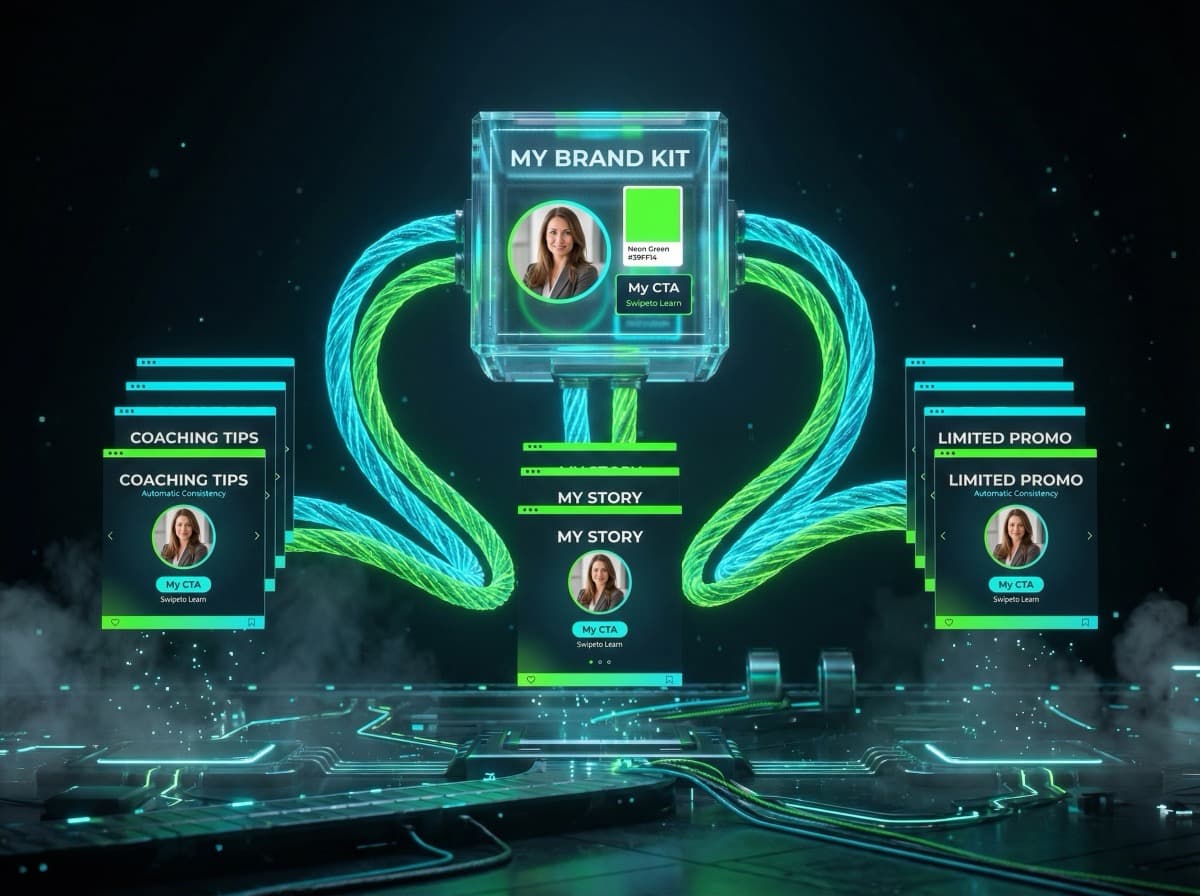
LinkedIn ist die Plattform für B2B-Marketing und Personal Branding. Und ein Format dominiert alles andere: Karussell-Posts im PDF-Format. Sie erzielen bis zu 3x mehr Impressions als normale Textposts und generieren deutlich mehr Interaktionen.
Aber nicht jedes Karussell funktioniert gleich gut. Hier sind 7 bewährte Tipps, die den Unterschied zwischen einem durchschnittlichen und einem viralen Karussell-Post ausmachen.
1. Die erste Slide entscheidet alles
Deine erste Slide ist wie eine Zeitungsüberschrift — sie entscheidet, ob jemand weiterliest oder weiterscrollt. Formuliere sie als Versprechen oder provokante Frage:
• "7 Fehler, die dein LinkedIn-Profil ruinieren"
• "Warum 90% der Cold Emails ignoriert werden"
• "Der 60-Sekunden-Trick für bessere Meetings"
Vermeide generische Titel wie "Tipps für LinkedIn" — das scrollt jeder vorbei.
2. Nutze das richtige Format
LinkedIn unterstützt PDF-Uploads als Karussell. Die optimalen Einstellungen:
• Format: 4:5 (Portrait) oder 1:1 (Quadrat)
• Auflösung: Mindestens 1080px Breite
• Dateityp: PDF (nicht einzelne Bilder!)
KlemensAI exportiert automatisch im PDF-Format — optimiert für LinkedIn.
3. Halte jede Slide auf eine Kernaussage
Jede Slide sollte eine einzige Botschaft vermitteln, die in 3-5 Sekunden erfasst werden kann. Wenn jemand scrollen muss oder den Text zweimal lesen muss, ist es zu viel.
Gut: "Persönlichkeit schlägt Perfektion. Zeige dein echtes Gesicht."
Schlecht: "Es gibt viele verschiedene Ansätze für Personal Branding auf LinkedIn, und einer der wichtigsten ist es, authentisch zu sein und seine echte Persönlichkeit zu zeigen, anstatt zu versuchen..."
4. Konsistentes Branding über alle Slides
Dein Karussell sollte wie aus einem Guss aussehen:
• Gleiche Farben auf jeder Slide
• Gleiche Schriften und Schriftgrößen
• Gleiche Bild-Ästhetik
• Dein Logo oder Name auf jeder Slide
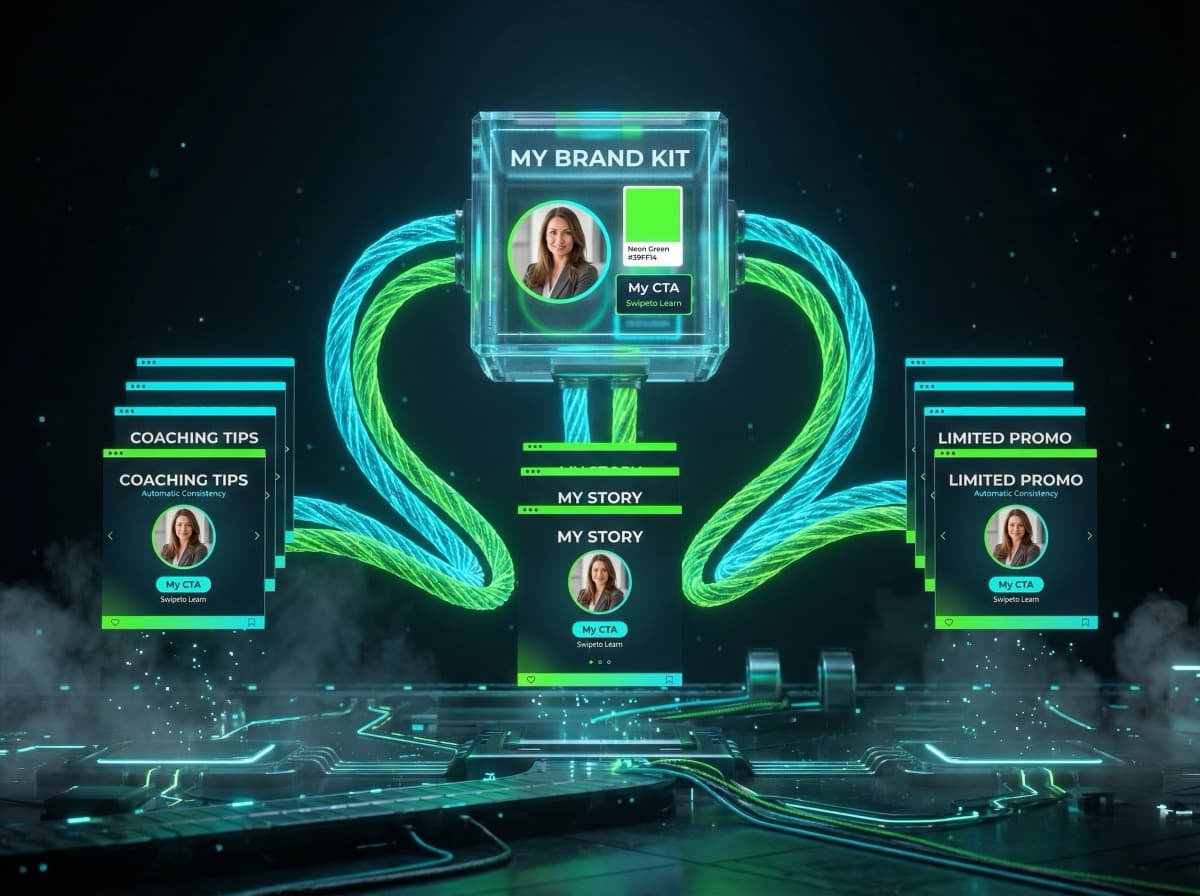
Mit KlemensAI stellst du dein Branding einmal ein — jedes Karussell ist automatisch konsistent.
5. Erzähle eine Geschichte, keine Liste
Listen sind okay, aber Stories performen besser. Baue dein Karussell als Narrativ auf:
• Slide 1: Das Problem (Hook)
• Slide 2-3: Warum das Problem existiert
• Slide 4-7: Die Lösung, Schritt für Schritt
• Slide 8: Das Ergebnis / die Transformation
• Slide 9-10: CTA — Was soll der Leser als Nächstes tun?
6. Nutze dein Gesicht
Karussells mit echten Gesichtern performen deutlich besser als rein grafische Posts. Dein Gesicht schafft Vertrauen und Wiedererkennung.
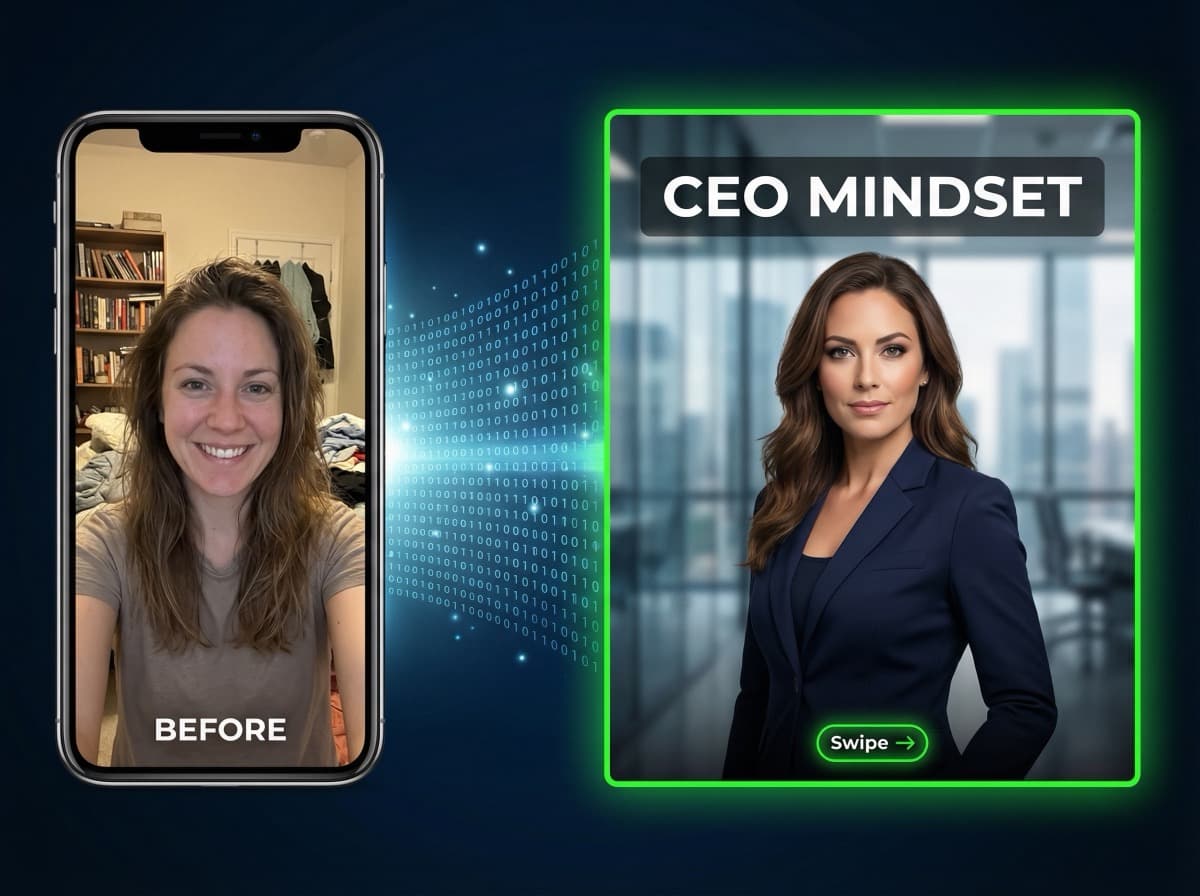
Du brauchst kein professionelles Fotoshooting. Mit KlemensAI integrierst du dein Gesicht automatisch in professionelle Szenarien — aus einem einfachen Selfie.
7. Schreibe einen starken Post-Text
Viele vergessen: Der Text unter dem Karussell ist genauso wichtig wie die Slides selbst. Nutze ihn für:
• Hook: Erste 2 Zeilen müssen fesseln (werden im Feed angezeigt)
• Context: Ergänze, was im Karussell nicht steht
• CTA: "Welchen Tipp setzt du als erstes um? Schreib's in die Kommentare"
• Hashtags: 3-5 relevante Hashtags (nicht mehr)
KlemensAI generiert automatisch einen passenden Post-Text mit bis zu 4096 Zeichen — optimiert für Engagement.
Bonus: Die beste Posting-Zeit
Auf LinkedIn funktionieren Karussells am besten:
• Dienstag bis Donnerstag zwischen 8-10 Uhr
• Mittwoch um 12 Uhr (Mittagspause)
• Vermeide Wochenenden und Feiertage
Fazit: LinkedIn Karussells sind dein Reichweiten-Boost
Karussell-Posts sind das stärkste Format auf LinkedIn. Mit den richtigen Techniken und einem Tool wie KlemensAI erstellst du professionelle Karussells in Minuten statt Stunden — und maximierst deine Reichweite mit jedem Post.
Weiterlesen
• Instagram Karussell erstellen mit KI — So geht's in 60 Sekunden
• Content mit KI automatisieren — Der komplette Guide
• Personal Branding mit KI: Warum Stock-Fotos dich austauschbar machen
Bereit, deinen ersten KI-Karussell zu erstellen?
Starte jetzt kostenlos und erstelle professionelle Social-Media-Posts in unter 2 Minuten.
Jetzt kostenlos starten