
Social Media Posts automatisieren: Der komplette Guide 2026
Social Media Posts automatisieren: Was wirklich funktioniert
„Ich müsste täglich auf Social Media sein – aber ich habe keine Zeit." Diesen Satz hört man ständig von Solopreneuren, Coaches und kleinen Unternehmen. Die gute Nachricht: Social Media lässt sich heute zu großen Teilen automatisieren. In diesem Guide zeige ich dir, was wirklich funktioniert – und wo du weiterhin Handarbeit brauchst.
---
Was du automatisieren kannst
✅ Vollständig automatisierbar:
Content-Planung und -Veröffentlichung
Mit Scheduling-Tools wie Buffer, Later oder Hootsuite planst du Posts 2–4 Wochen im Voraus. Einmal rein, läuft automatisch.
Content-Repurposing
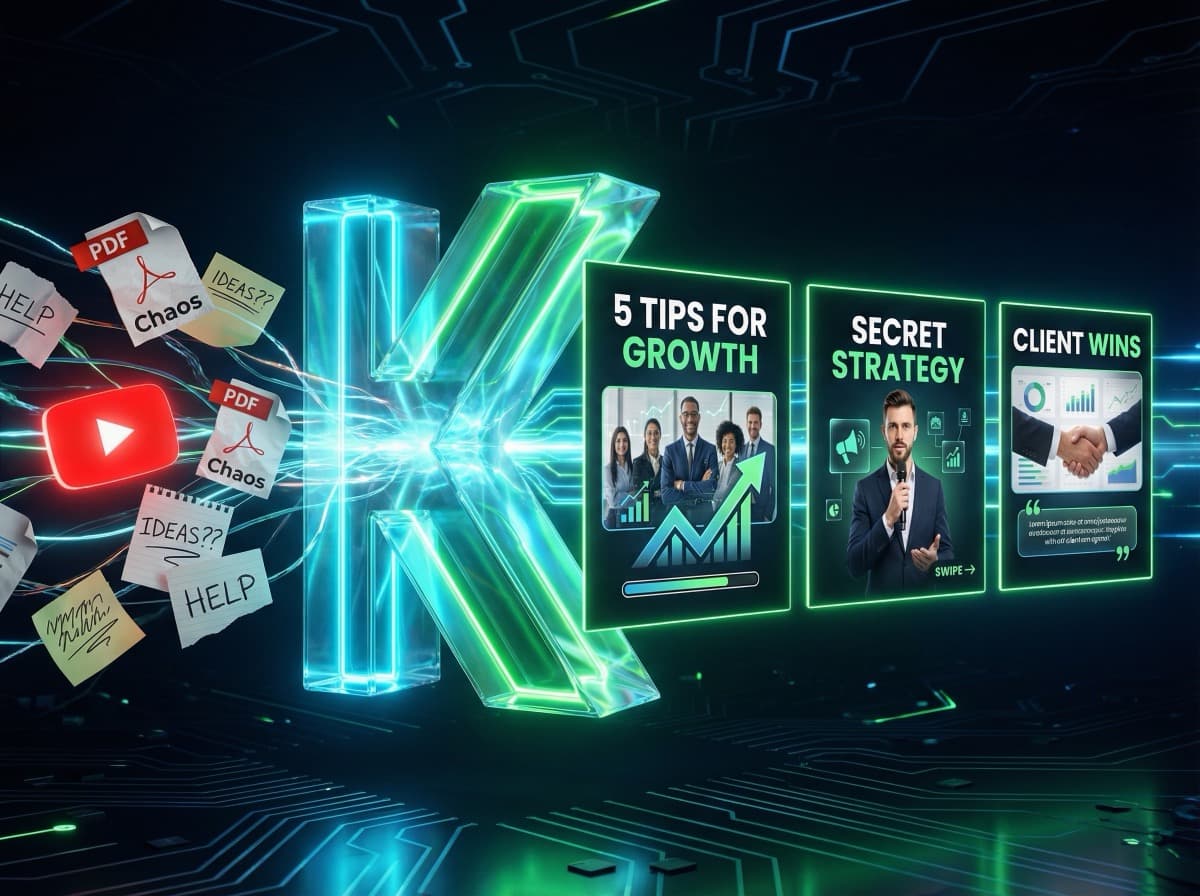
Ein YouTube-Video wird automatisch zu einem LinkedIn-Karussell, einem Twitter-Thread und einem Instagram-Post – mit den richtigen Tools.
Hashtag-Recherche
KI-Tools schlagen dir automatisch die relevantesten Hashtags für deinen Post vor.
Analytics und Reporting
Wöchentliche Performance-Reports laufen automatisch in dein Dashboard.
⚡ Teilweise automatisierbar:
Text-Erstellung
KI schreibt den Erstentwurf – du bearbeitest und verleiht deiner Stimme den finalen Touch.
Bildgenerierung
KI generiert Designs – du entscheidest welches am besten passt.
Community Management
KI-Antwortvorschläge für Kommentare – du entscheidest ob gesendet wird.
❌ Nicht sinnvoll automatisierbar:
Echte Stories und persönliche Updates
Dein letzter Vortrag, ein Kundenerfolg, deine Meinung zu einer Branchen-Neuigkeit – das braucht dich.
Direkte Gespräche
DMs und tiefergehende Kommentarkonversationen brauchen echtes Engagement.
---
Der automatisierte Social Media Workflow in 4 Schritten
Schritt 1: Content-Batch am Wochenende (90 Minuten)
Einmal pro Woche – oder einmal pro Monat für mehr Effizienz:
1. Themen definieren: ChatGPT gibt dir 10 Post-Ideen für deine Nische
2. Karussells erstellen: Mit KlemensAI 4 Karussells in 20 Minuten
3. Texte schreiben: KI-Entwürfe in 10 Minuten, dann persönlicher Touch
4. Bilder/Videos vorbereiten: Einheitliche Visuals mit Canva-Templates
Schritt 2: Alles in Buffer/Later einplanen (15 Minuten)
• Posts auf optimale Zeitpunkte legen (Tool empfiehlt automatisch)
• Plattformen auswählen: LinkedIn, Instagram, Facebook gleichzeitig
• Preview prüfen und Freigabe geben
Schritt 3: Automatisches Posten (0 Minuten)
Der Buffer/Later-Account postet automatisch zum geplanten Zeitpunkt. Du bekommst eine Push-Benachrichtigung wenn ein Post live geht – als Signal für dich, 10 Minuten für Community Management zu nutzen.
Schritt 4: Analytics auswerten (10 Minuten/Woche)
Einmal pro Woche schauen: Was hat funktioniert? Was nicht? Erkenntnisse für die nächste Batch-Session nutzen.
Gesamtaufwand: 2–3 Stunden/Woche für 14–21 Posts auf mehreren Plattformen.
---
Die besten Tools für Social Media Automatisierung 2026
Content-Erstellung:
| Tool | Stärke | Preis |
|---|---|---|
| KlemensAI | Karussells mit eigenem Gesicht | ab 29€/Mo |
| ChatGPT / Claude | Texterstellung | ab 0€ |
| Canva | Design-Templates | ab 0€ |
Scheduling:
| Tool | Stärke | Preis |
|---|---|---|
| Buffer | Einfach, preiswert | ab 0€ |
| Later | Instagram-Fokus, Visual Planner | ab 16,67$/Mo |
| Hootsuite | Enterprise, viele Features | ab 99$/Mo |
| Metricool | Deutsch, umfangreich | ab 0€ |
Analytics:
| Tool | Stärke | Preis |
|---|---|---|
| Metricool | Plattformübergreifend | ab 0€ |
| Sprout Social | Tiefe Analyse | ab 249$/Mo |
| Native Analytics | LinkedIn, Instagram eigene Tools | Kostenlos |
---
Automatisierung für verschiedene Plattformen
LinkedIn-Automatisierung
LinkedIn ist die Plattform mit dem besten ROI für B2B und Personal Brands. Automatisiere:
• 2 Karussell-Posts/Woche mit KlemensAI
• 1–2 Text-Posts/Woche mit KI-Entwurf
• Scheduling via Buffer
Was nicht funktioniert: LinkedIn erkennt Bot-Aktivitäten und kann Accounts einschränken. Direkte DMs und Connection-Requests nie automatisieren.
Instagram-Automatisierung
Instagram lebt von Konsistenz. Automatisiere:
• 3–5 Feed-Posts/Woche (Karussells + Einzelbilder)
• Story-Content vorbereiten (nur halbautomatisch)
• Scheduling via Later oder Buffer
Vorsicht: Instagram-API erlaubt kein automatisches Story-Posten über Drittanbieter.
Facebook-Automatisierung
Facebook-Pages lassen sich stark automatisieren – fast alle Buffer/Later-Features funktionieren hier vollständig.
---
Typische Fehler bei der Social Media Automatisierung
Fehler 1: Zu viel auf einmal automatisieren
Starte mit einer Plattform. Erst wenn der Workflow läuft, erweiterst du.
Fehler 2: Keine persönlichen Posts mehr
Automatisierung macht deinen Content konsistent – aber füge mindestens einmal pro Woche einen echten persönlichen Post ein. Stories, Behind-the-Scenes, spontane Gedanken.
Fehler 3: Reagieren vergessen
Automatisiertes Posten ist nur die halbe Miete. Plane täglich 10–15 Minuten für Kommentare und Reaktionen ein.
Fehler 4: Gleicher Content auf allen Plattformen
LinkedIn-Post ≠ Instagram-Post. Passe Ton und Format an die Plattform an – auch wenn der Kern-Inhalt derselbe ist.
---
Dein Startplan für die ersten 30 Tage
Woche 1: Tool auswählen (Buffer kostenlos starten), ersten Batch-Tag einrichten
Woche 2: KI in die Content-Erstellung integrieren, KlemensAI testen
Woche 3: Rhythmus finden, Posting-Zeiten analysieren
Woche 4: Workflow optimieren, erste Analytics auswerten
Nach 30 Tagen hast du ein System, das fast von selbst läuft.
Bereit, deinen ersten KI-Karussell zu erstellen?
Starte jetzt kostenlos und erstelle professionelle Social-Media-Posts in unter 2 Minuten.
Jetzt kostenlos starten