
KI Content erstellen für Social Media: Der komplette Guide 2026
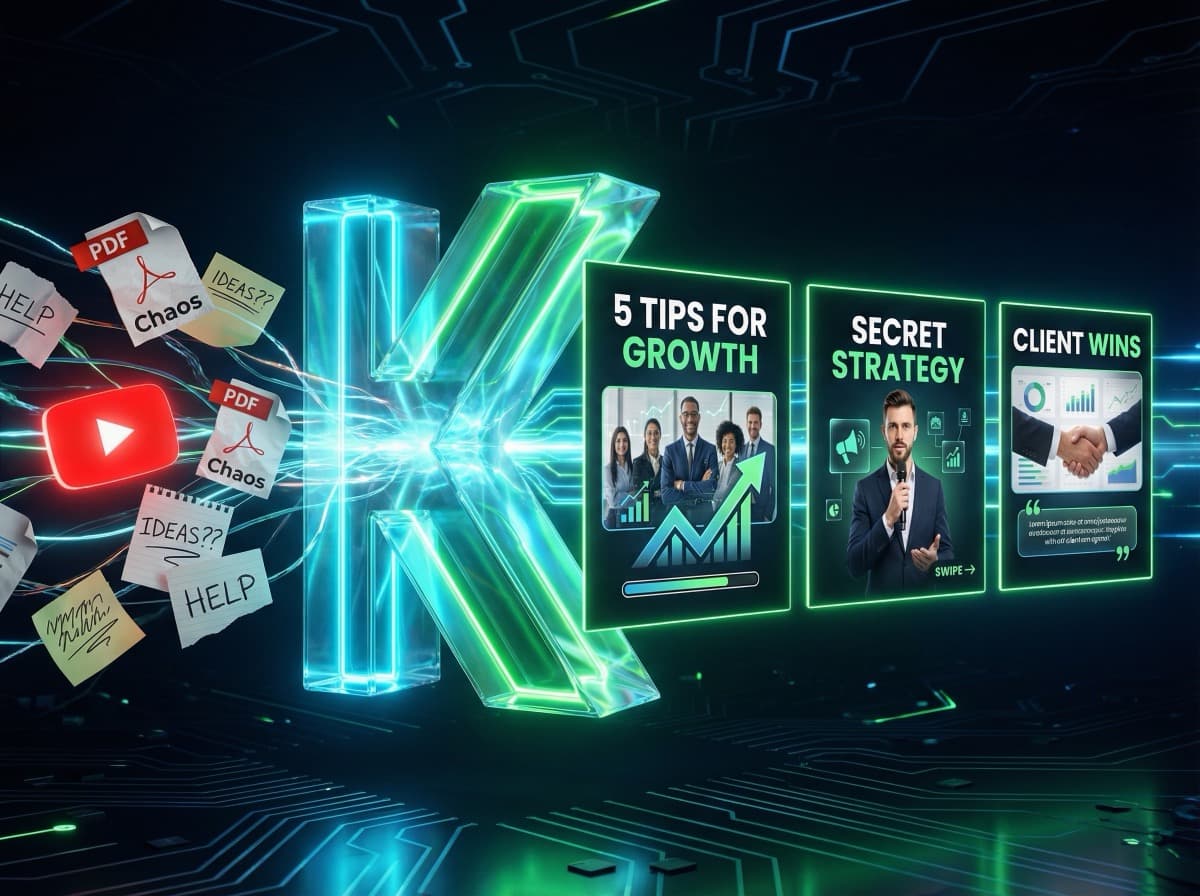
KI Content erstellen für Social Media: So funktioniert es 2026
Stell dir vor, du könntest täglich frischen, professionellen Social Media Content erstellen – ohne stundenlang vor einem leeren Dokument zu sitzen. Genau das ermöglichen KI-Tools in 2026. In diesem Guide erfährst du, wie du KI sinnvoll für deine Content-Erstellung einsetzt, welche Tools sich bewährt haben und wie ein realistischer Workflow aussieht.
---
Warum KI Content für Social Media?
Die Content-Flut auf Plattformen wie Instagram, LinkedIn und TikTok wird größer. Gleichzeitig haben die meisten Solopreneure und kleinen Unternehmen keine Zeit für tägliche Content-Produktion.
Das Problem:
• Professioneller Content kostet 2–4 Stunden pro Post (Idee → Text → Design → Posten)
• Regelmäßigkeit ist entscheidend – aber schwer aufrechtzuerhalten
• Design-Kenntnisse fehlen oft
Die Lösung mit KI:
• Ideenfindung in Sekunden
• Texte in Minuten
• Designs automatisch generiert
• Konsistentes Branding ohne Aufwand
---
Die 4 Phasen der KI-gestützten Content-Erstellung
Phase 1: Content-Idee generieren
Statt stundenlang auf ein leeres Dokument zu starren, nutze KI-Tools wie ChatGPT oder Claude als Brainstorming-Partner:
Prompt-Beispiel:
> „Ich bin [Beruf/Nische] und poste auf LinkedIn. Gib mir 10 Karussell-Themen für [Monat], die für meine Zielgruppe [Zielgruppe] relevant sind und hohe Reichweite erzeugen."
In 30 Sekunden hast du 10 konkrete Ideen – mit Headline-Vorschlägen und Struktur-Tipps.
Phase 2: Inhalte strukturieren und schreiben
Mit dem Thema in der Hand lässt du die KI einen strukturierten Entwurf erstellen:
Für Karussell-Posts:
• Slide 1: Aufmerksamkeitsstarke Überschrift
• Slides 2–7: Kernpunkte (einer pro Slide, kurz und prägnant)
• Slide 8: CTA + Profil-Hinweis
Für LinkedIn-Texte:
• Erster Satz als Hook (Frage, Aussage oder überraschende Zahl)
• Hauptinhalt in kurzen Absätzen
• Abschluss mit Frage oder CTA
Phase 3: Visuals erstellen
Hier kommt spezialisierte KI ins Spiel. Allgemeine KI-Texte kann jeder erstellen – was dich unterscheidet, ist dein Gesicht und dein Branding in den Visuals.
Tools für KI-generierte Visuals:
• KlemensAI: Karussell-Posts mit deinem Foto, automatisch
• Midjourney / DALL-E: Für individuelle Illustrationen
• Canva KI: Hintergrundgenerierung und Magic Write
Phase 4: Posten und analysieren
Mit Tools wie Buffer, Later oder Hootsuite planst du deine Posts im Voraus und analysierst, was gut funktioniert hat.
---
Konkrete KI Workflows für verschiedene Content-Typen
Workflow 1: YouTube-Video → LinkedIn Karussell
1. YouTube-URL kopieren
2. In KlemensAI einfügen
3. KI transkribiert das Video und extrahiert die Kernaussagen
4. Fertige Karussell-Slides werden generiert (mit deinem Gesicht)
5. Anpassen und exportieren
Zeitaufwand: 3–5 Minuten statt 2 Stunden
Workflow 2: Blog-Artikel → Social Media Serie
1. Artikel-URL in ChatGPT eingeben
2. Prompt: „Erstelle aus diesem Artikel 5 LinkedIn-Posts und 3 Karussell-Ideen"
3. Texte anpassen und in KlemensAI als Karussells gestalten
4. Woche im Voraus planen und in Buffer einplanen
Zeitaufwand: 20 Minuten statt 4 Stunden
Workflow 3: Expertise-Thema → Content-Paket
1. Dein Kernthema definieren: „Was kann ich besser als die meisten?"
2. ChatGPT: „Erstelle einen Monat Content-Plan für LinkedIn zum Thema [Thema]"
3. Aus dem Plan 4 Karussells mit KlemensAI erstellen
4. 4 Text-Posts mit KI schreiben
5. Alles vorab in Buffer planen
Zeitaufwand: 2 Stunden für 8 Posts (2 Wochen Content)
---
Die wichtigsten KI Tools für Social Media Content 2026
Für Text:
• ChatGPT / Claude: Ideation, Textentwürfe, Hooks
• Jasper: Spezialisiert auf Marketing-Texte
• Copy.ai: Templates für verschiedene Plattformen
Für Visuals:
• KlemensAI: Karussells mit eigenem Gesicht
• Canva AI: Design + KI-Textgenerierung
• Adobe Firefly: KI-Bildgenerierung in der Adobe-Suite
Für Planung:
• Buffer: Einfaches Scheduling mit KI-Assistent
• Later: Instagram-fokussiert mit Visual-Planer
• Hootsuite: Enterprise-Lösung mit KI-Features
Für Analyse:
• Metricool: Plattformübergreifende Analytics
• Sprout Social: Tiefgreifende Engagement-Analyse
---
Was KI (noch) nicht kann
KI ist ein mächtiges Werkzeug – aber kein vollständiger Ersatz für deine Persönlichkeit:
• Persönliche Erfahrungen: Deine Geschichte, deine Fehler, deine Erfolge – das kann nur du einbringen
• Aktuelle Meinungen: Zu Branchen-News, Trends, kontroversen Themen brauchst du deine eigene Stimme
• Emotionale Tiefe: Der menschliche Touch in einem gut erzählten Post ist schwer zu replizieren
Die beste Strategie: KI übernimmt Struktur und Effizienz, du lieferst Authentizität und Perspektive.
---
Erste Schritte: So startest du heute
1. Themen sammeln: 10 Minuten brainstormen – was fragst du in deiner Nische immer wieder?
2. Ersten Karussell-Entwurf erstellen: Kostenlos bei KlemensAI testen
3. Workflow einrichten: Einmal aufsetzen, immer wieder nutzen
4. Regelmäßig posten: Erst Montag + Donnerstag, dann steigern
Der Schlüssel ist Konsistenz – und KI macht Konsistenz endlich realistisch.
Bereit, deinen ersten KI-Karussell zu erstellen?
Starte jetzt kostenlos und erstelle professionelle Social-Media-Posts in unter 2 Minuten.
Jetzt kostenlos starten