
Karussell Post erstellen: 7 Tipps für mehr Reichweite auf Instagram & LinkedIn
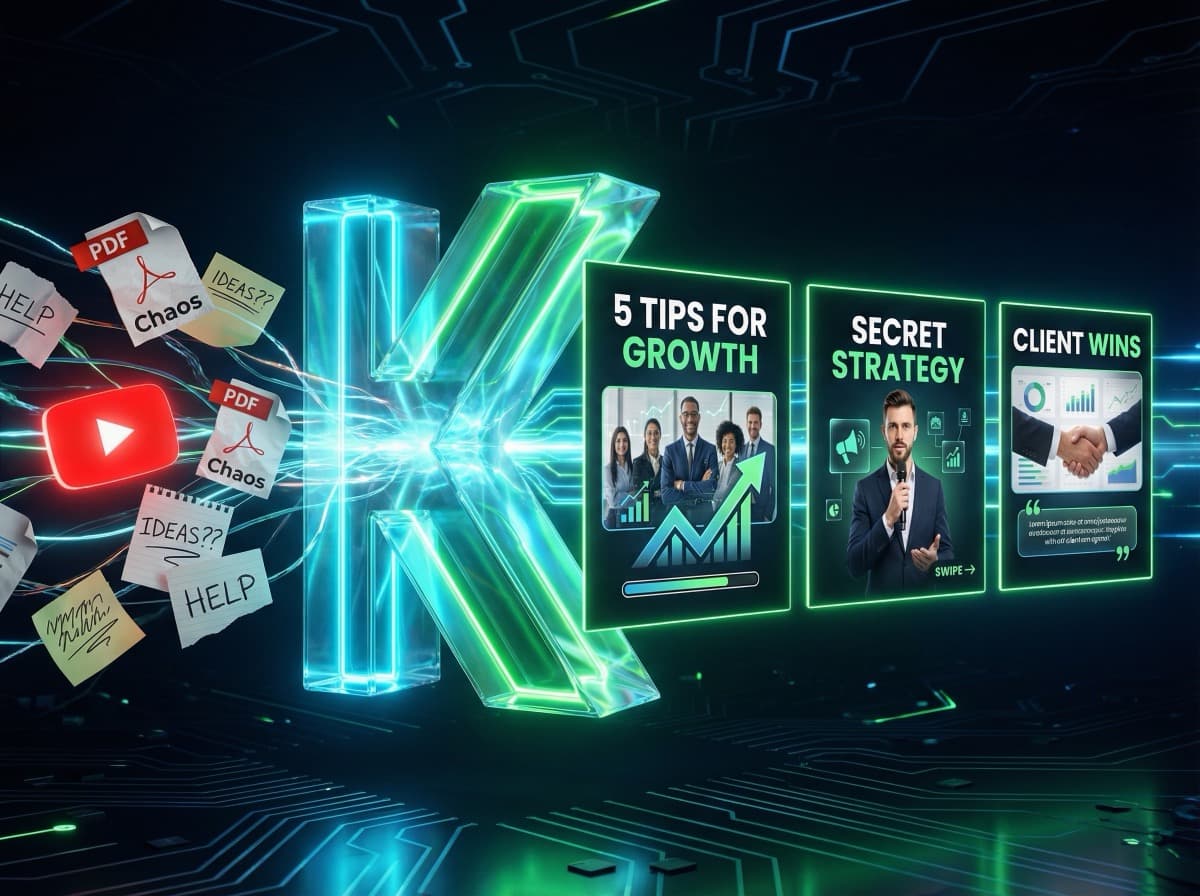
Karussell Posts erstellen: 7 Tipps für mehr Reichweite
Karussell-Posts sind das stärkste organische Format auf Instagram und LinkedIn – wenn du sie richtig einsetzt. In diesem Artikel teile ich 7 konkrete Tipps, die ich aus hunderten von Karussell-Posts gelernt habe. Kein allgemeines Blabla, sondern Taktiken, die funktionieren.
---
Warum Karussells so gut für Reichweite sind
Bevor wir zu den Tipps kommen: Warum performen Karussells überhaupt besser?
Instagram: Der Algorithmus misst die „Time Spent" pro Post. Wer durch 8 Slides wischt, verbringt 8x so lange mit deinem Post wie bei einem Einzelbild. Das signalisiert dem Algorithmus: Dieser Content ist gut.
LinkedIn: Karussells werden als PDF-Upload erkannt und speziell ausgespielt. Zusätzlich sind sie im Feed auffällig – Nutzer klicken auf die Pfeile, weil es interaktiv wirkt.
---
Tipp 1: Das Cover entscheidet alles
Die erste Slide ist dein Aushängeschild. 90% der Nutzer entscheiden in unter 2 Sekunden, ob sie weiter wischen oder scrollen.
Was funktioniert:
• Eine direkte Frage: „Machst du diesen LinkedIn-Fehler?"
• Eine überraschende Zahl: „Ich habe 10.000€ mit einem einzigen Post verdient."
• Ein klares Versprechen: „5 Tricks für 3x mehr Reichweite (Schritt für Schritt)"
Was nicht funktioniert:
• Generische Überschriften: „Tipps für Social Media"
• Reine Firmenlogos ohne Nutzenversprechen
• Zu viel Text auf der ersten Slide
Praktischer Test: Zeig das Cover einem Freund für 2 Sekunden. Fragt er von selbst: „Was kommt auf den nächsten Slides?" – dann ist es gut.
---
Tipp 2: Slide 2 ist der zweite Hook
Viele Karussell-Ersteller denken nur an das Cover. Aber Slide 2 ist genauso wichtig: Sie entscheidet, ob jemand bis zum Ende wischt oder aufhört.
Nutze Slide 2, um:
• das Versprechen des Covers zu konkretisieren
• Neugier zu verstärken: „Fang mit dem Wichtigsten an"
• Eine kurze persönliche Verbindung herzustellen: „Ich habe das schmerzlich gelernt..."
---
Tipp 3: Ein Punkt pro Slide
Der häufigste Fehler: Zu viel Information auf einer Slide. Nutzer wollen durch Karussells gleiten, nicht lesen.
Faustregeln:
• Maximal 3–5 Zeilen Text pro Slide
• Große Schrift (mindestens 24px für Mobile)
• Ein klarer Hauptpunkt, keine Unterpunkte
• Visuelles Element als Unterstützung (Bild, Icon, Grafik)
Stelle dir vor, jede Slide ist ein Plakatmotiv: Was ist die eine Aussage, die sofort klar sein muss?
---
Tipp 4: Der Algorithmus liebt Vollständigkeit
Instagram und LinkedIn messen, wie viele Nutzer bis zur letzten Slide wischen. Das nennt sich „Completion Rate" – und sie beeinflusst die Reichweite direkt.
Tricks für höhere Completion Rate:
• Anfänglich alle Slides im ersten Durchgang kurz halten (5–6 Slides performen oft besser als 12)
• Neugierbogen aufbauen: Am Ende von Slide 3 andeutest, was in Slide 5 kommt
• Countdowns: „7 Tipps – du bist bei Tipp 3..." (Nutzer wollen die Reihe vervollständigen)
---
Tipp 5: Die letzte Slide ist Gold wert
Wer bis zur letzten Slide gewischt hat, ist interessiert. Nutze diesen Moment:
Effektive CTAs auf der letzten Slide:
• „Speichern für später" (Saves erhöhen die Reichweite enorm)
• „Welcher Punkt überrascht dich am meisten? Schreib es in die Kommentare"
• „Schick das jemandem, dem es hilft"
• „Folge mir für mehr Content wie diesen"
Wähle einen CTA. Mehrere verwirren und führen zu nichts.
---
Tipp 6: Timing und Posting-Frequenz
Das beste Karussell nützt nichts, wenn du zum falschen Zeitpunkt postest.
Optimale Posting-Zeiten für DACH (GMT+1/+2):
LinkedIn:
• Dienstag, Mittwoch, Donnerstag
• 7:30–9:00 Uhr oder 17:00–19:00 Uhr
Instagram:
• Montag, Mittwoch, Freitag
• 11:00–13:00 Uhr oder 19:00–21:00 Uhr
Frequenz: 2 Karussells pro Woche ist der Sweet Spot für die meisten Nischen. Weniger verlierst du Momentum, mehr wird es für viele schwer umzusetzen.
---
Tipp 7: Dein Gesicht = deine Reichweite
Der wichtigste und am meisten unterschätzte Faktor: Content mit echten Gesichtern erzielt bis zu 40% mehr Engagement als Content ohne Personen.
Warum? Menschen reagieren intuitiv auf andere Menschen. Ein Foto von dir auf dem Cover oder auf den Slides baut Vertrauen auf und erhöht die Klickrate.
Das Herausforderung: Ein Fotoshooting für jedes Karussell ist aufwändig. Die Lösung: Tools wie KlemensAI integrieren dein Foto automatisch in jede Slide – ohne extra Fotoshooting.
---
Bonus: Karussell-Struktur Vorlage
Hier ist eine bewährte 7-Slide-Struktur, die du sofort verwenden kannst:
1. Cover: Hook / Überraschende Aussage / Frage
2. Problem: Das Problem, das du löst
3. Tipp 1: Erster Kernpunkt
4. Tipp 2: Zweiter Kernpunkt
5. Tipp 3: Dritter Kernpunkt
6. Überblick: Alle Tipps kurz zusammengefasst
7. CTA: Folgen / Speichern / Kommentieren
---
Fazit
Reichweite bei Karussell-Posts kommt nicht durch Zufall. Ein starkes Cover, klare Slide-Struktur, Completion Rate optimieren und dein Gesicht sichtbar machen – das sind die Hebel, die den Unterschied machen.
Wenn du den Prozess beschleunigen willst: KlemensAI hilft dir, professionelle Karussells mit deinem Gesicht in weniger als 5 Minuten zu erstellen.
Bereit, deinen ersten KI-Karussell zu erstellen?
Starte jetzt kostenlos und erstelle professionelle Social-Media-Posts in unter 2 Minuten.
Jetzt kostenlos starten